

Start at quarter
Quarter detail is quickest and suits AR and printing. Half shows more. Full makes very large files.
DICOM viewer for iPad · iPadOS 18 or later
For radiologists, trainees and teachers. Open CT and MRI studies on your iPad. Reformat them in any plane, turn a CT into a 3D model for AR or a printer, and teach with notes, saved slides and recorded lectures.
No account, no analytics, no cloud. Your images stay on your iPad.
Multiplanar reformats
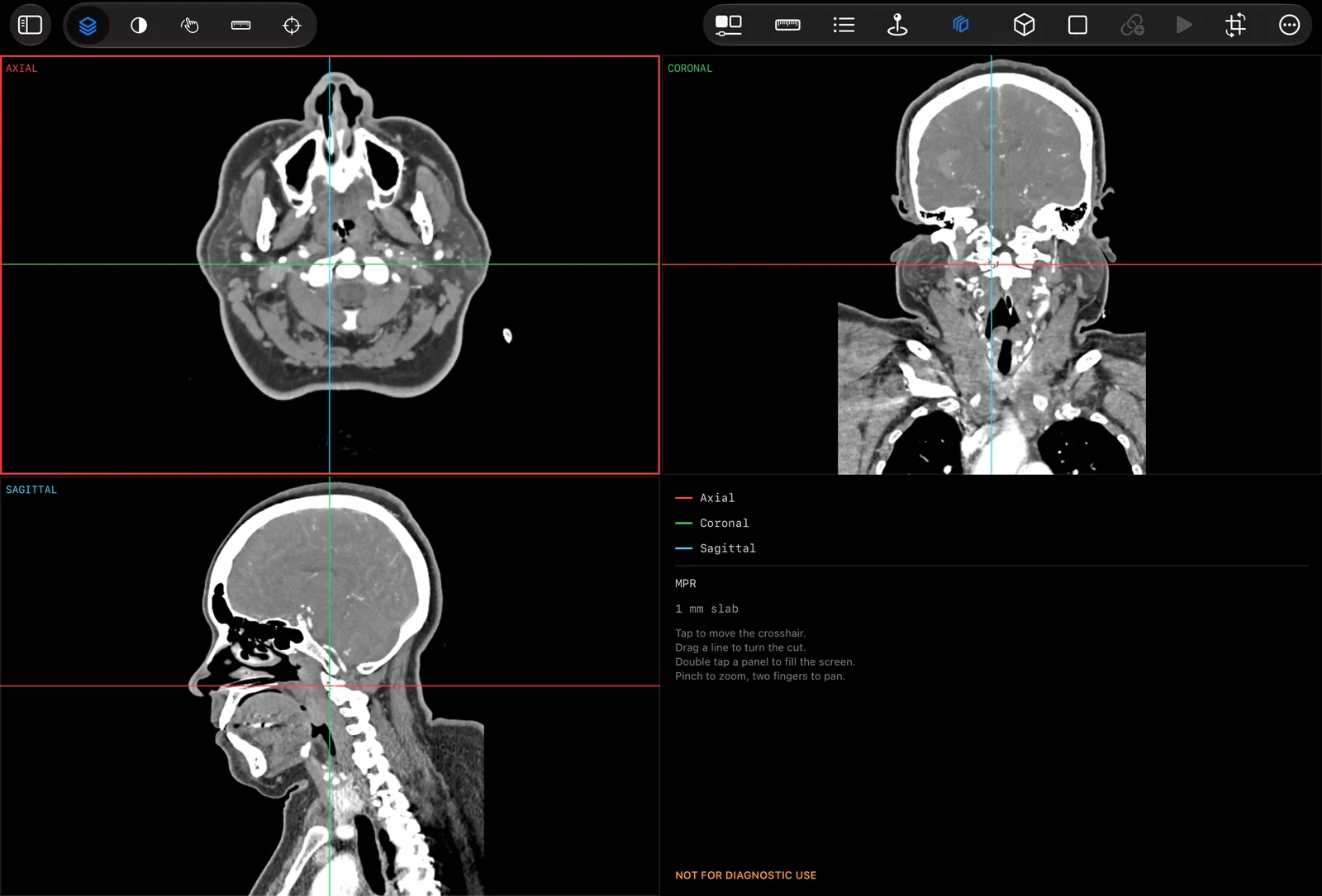
A stack of slices is a volume, so it can be cut in any plane. voXel follows the geometry stored in the file, including a tilted gantry.
Below is a real chest, abdomen and pelvis CT, resliced in your browser with the app's own arithmetic and controls. It is reduced for the page; the full study is under Try real studies.
Spacing matters. These voxels are 2.65 mm across and 2.5 mm deep, and in the original they were 0.88 mm by 2.5 mm. voXel scales every plane by the real spacing, so a coronal cut keeps the patient's proportions.
Three dimensions
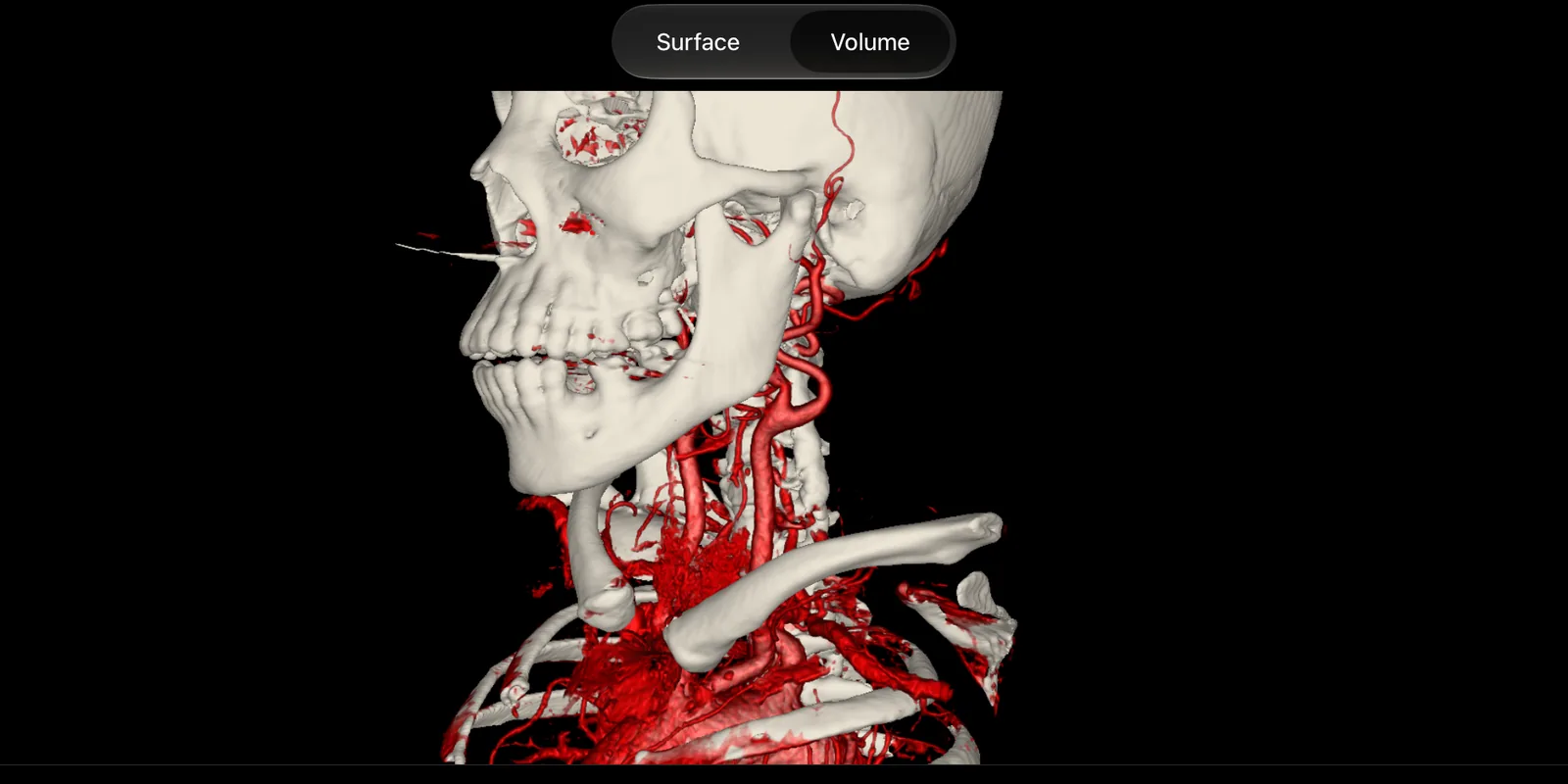
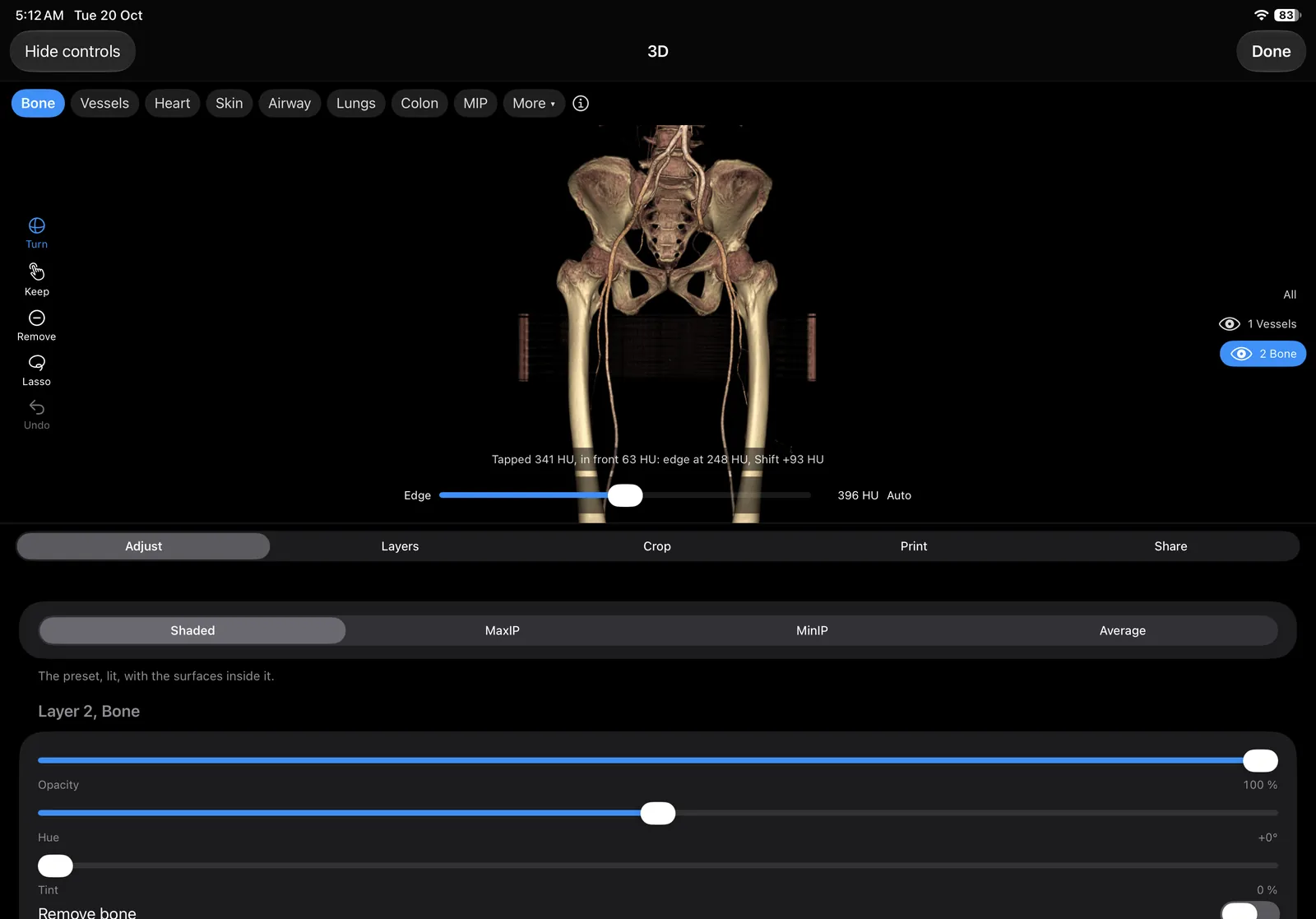
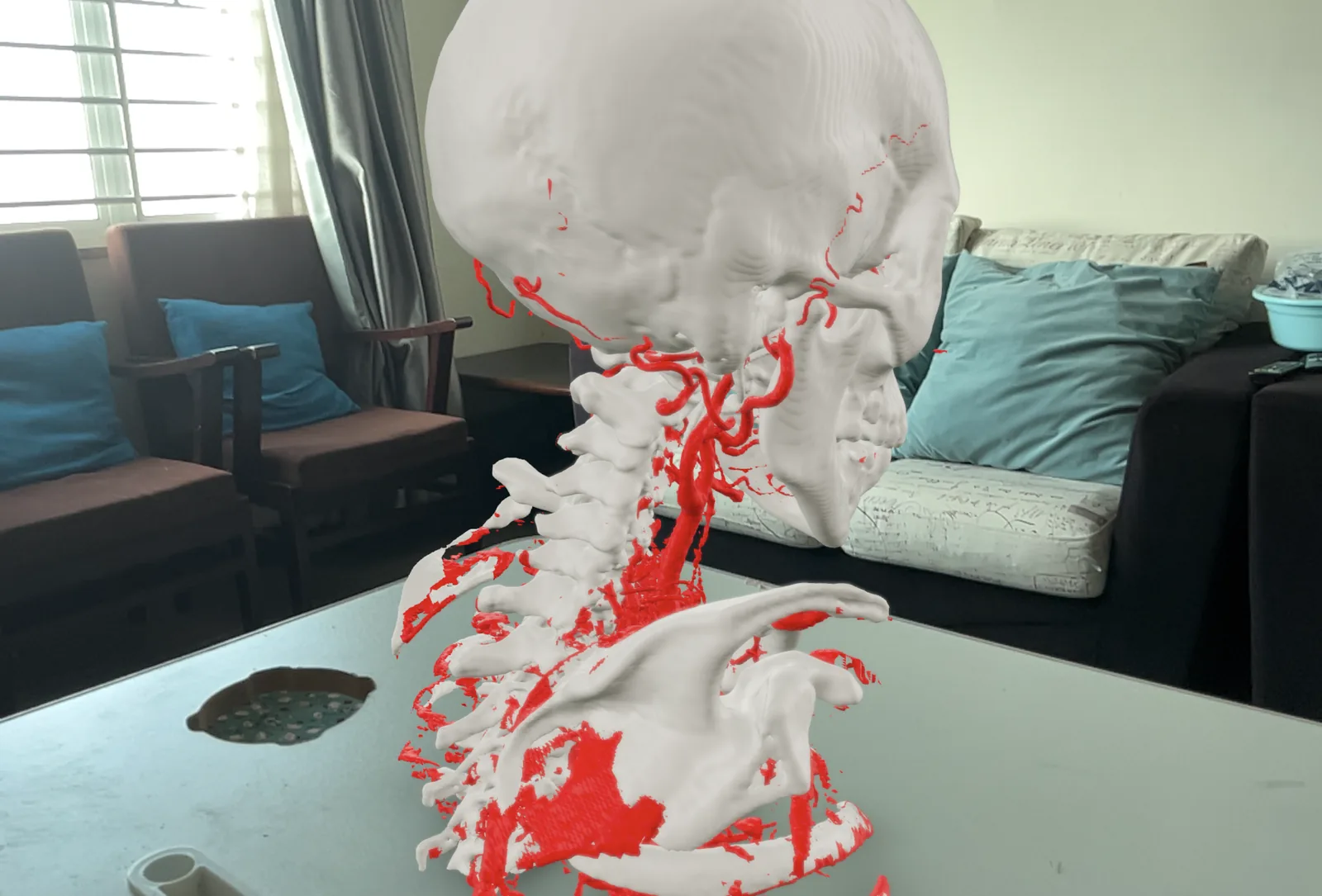
Render the whole CT in 3D, cut it into layers, and build the layers into a model for AR or a printer.
Quarter detail is quickest and suits AR and printing. Half shows more. Full makes very large files.
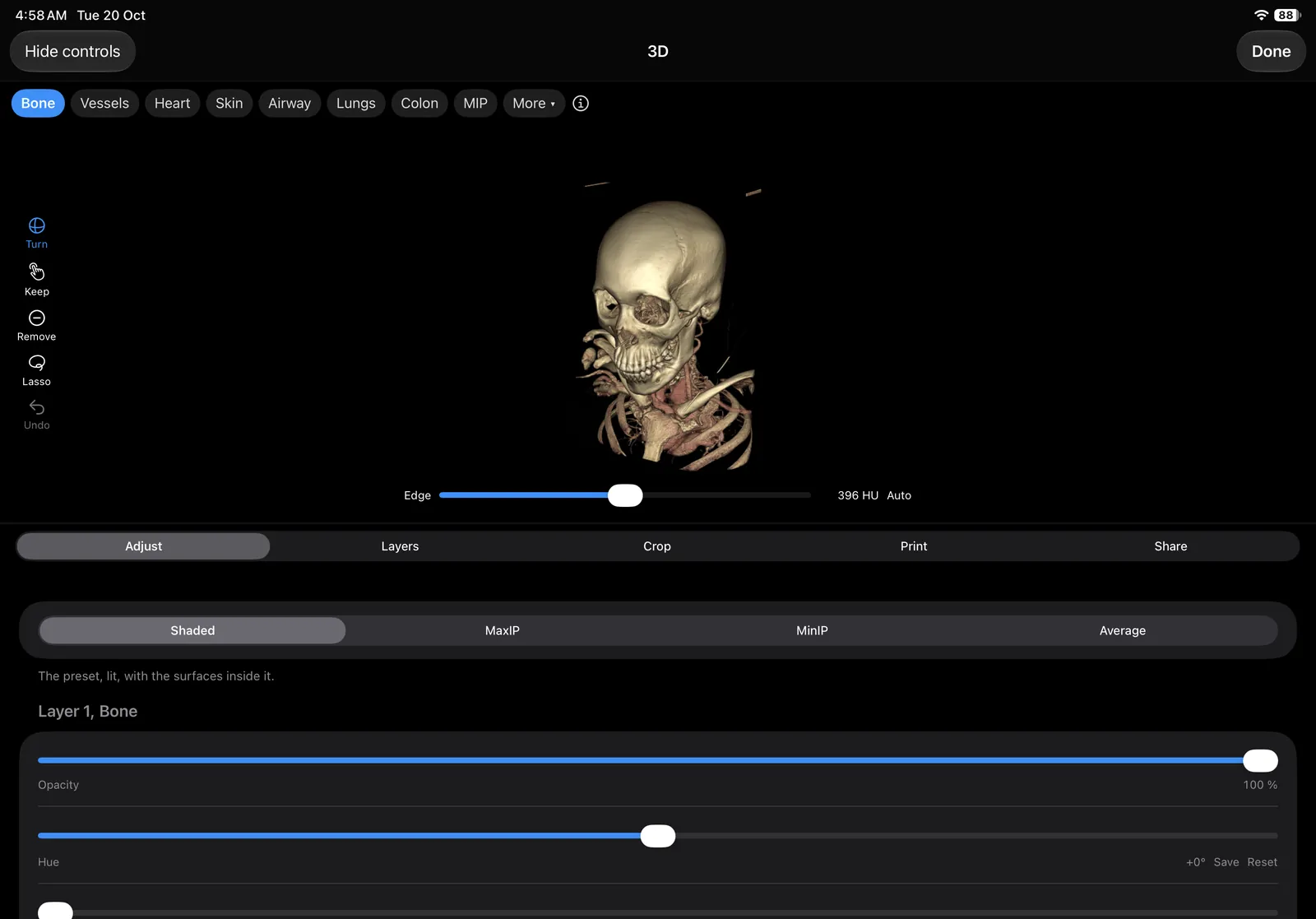
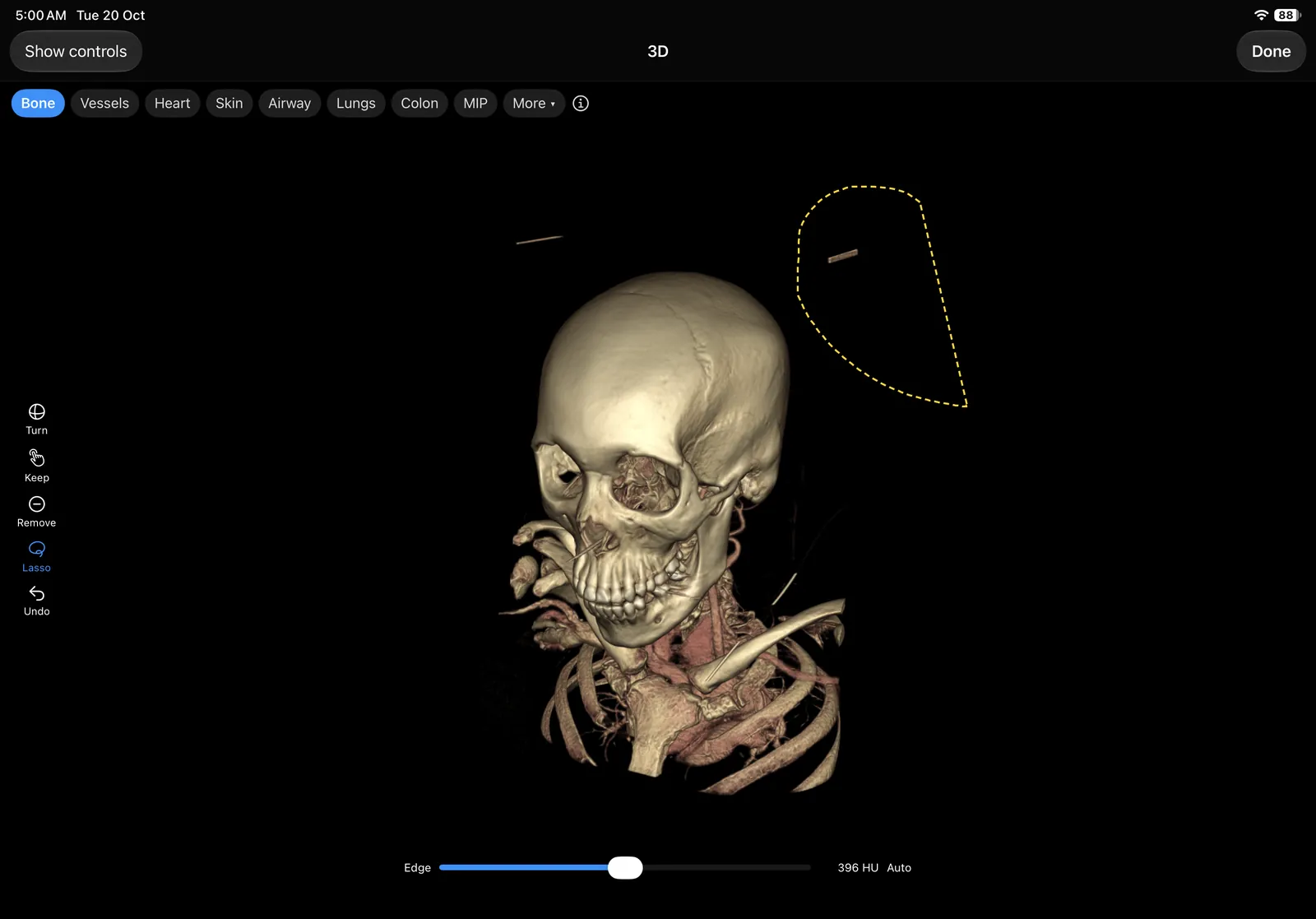
Pick the bone layer and lasso it alone. The vessels stay whole inside it.
Teaching
Write notes beside the image, record the lecture into them, group cases into study sets, lay out the steps through each, and keep the best slices as saved slides. Open the iPad and teach.
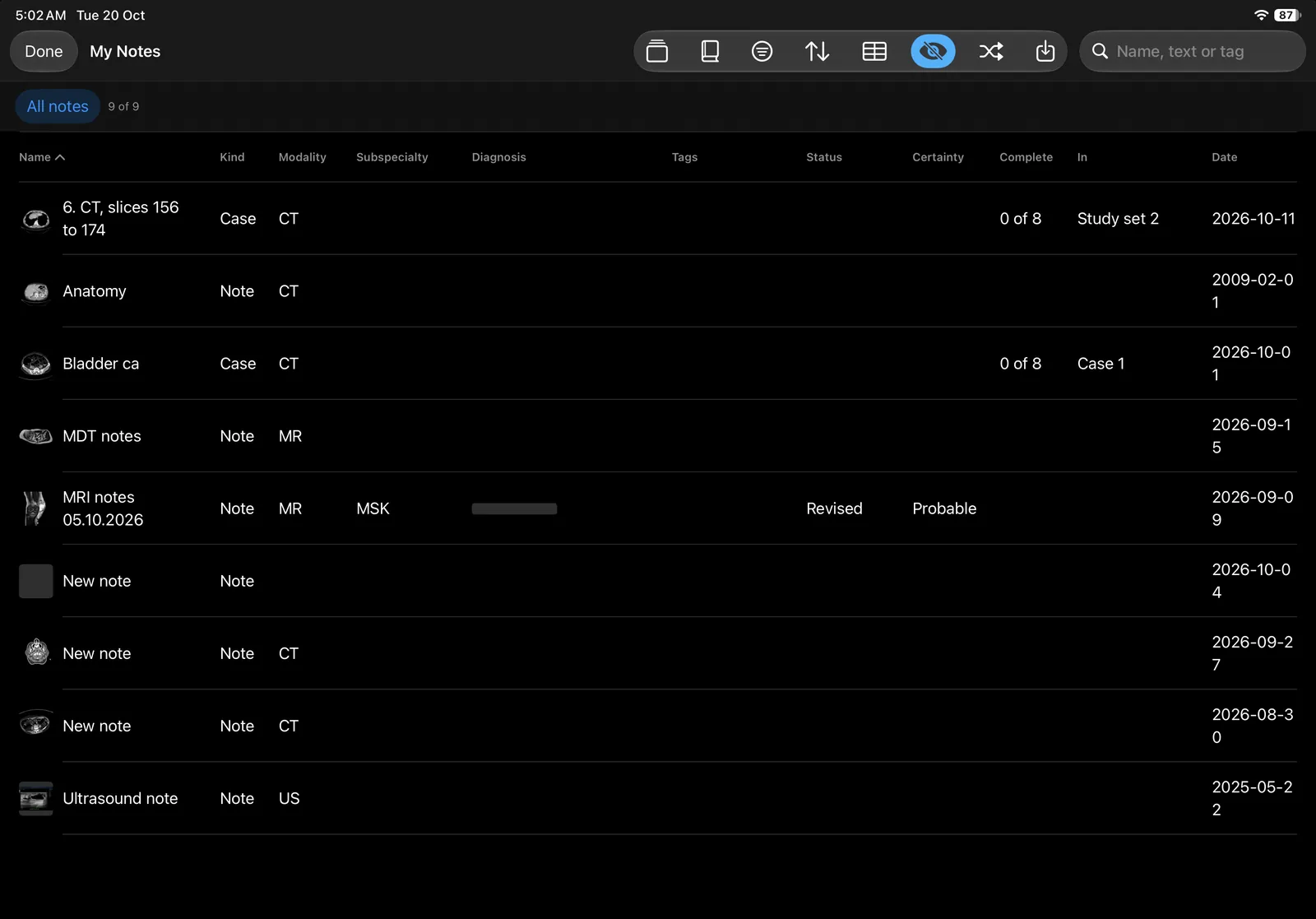
Notes, cases and pins from every study in one table, sorted by name, kind, modality, diagnosis or date. File them in folders, tag them, and give a case its status, subspecialty and certainty. A case note keeps the history, findings, diagnosis and teaching points under seven headings. A note outlives its study. Save a view of the table, with its search and filters, to come back to.
Tap the mic in a note to record a lecture; a red dot and the time show while it records. Ask the lecturer first. The recording stays on the iPad. Transcribe Pro turns it into text on iPadOS 26 with Apple's speech recognition, on the iPad, knowing radiology words. Select a misheard word to fix it.
A set lists cases in your order, with a note for the session. A case is the slices you pick from a series, copied into the set with the patient's name, IDs and dates written over, so it stays when the study is deleted. Text burned into the image stays. Hide patient details with one tap before you project.
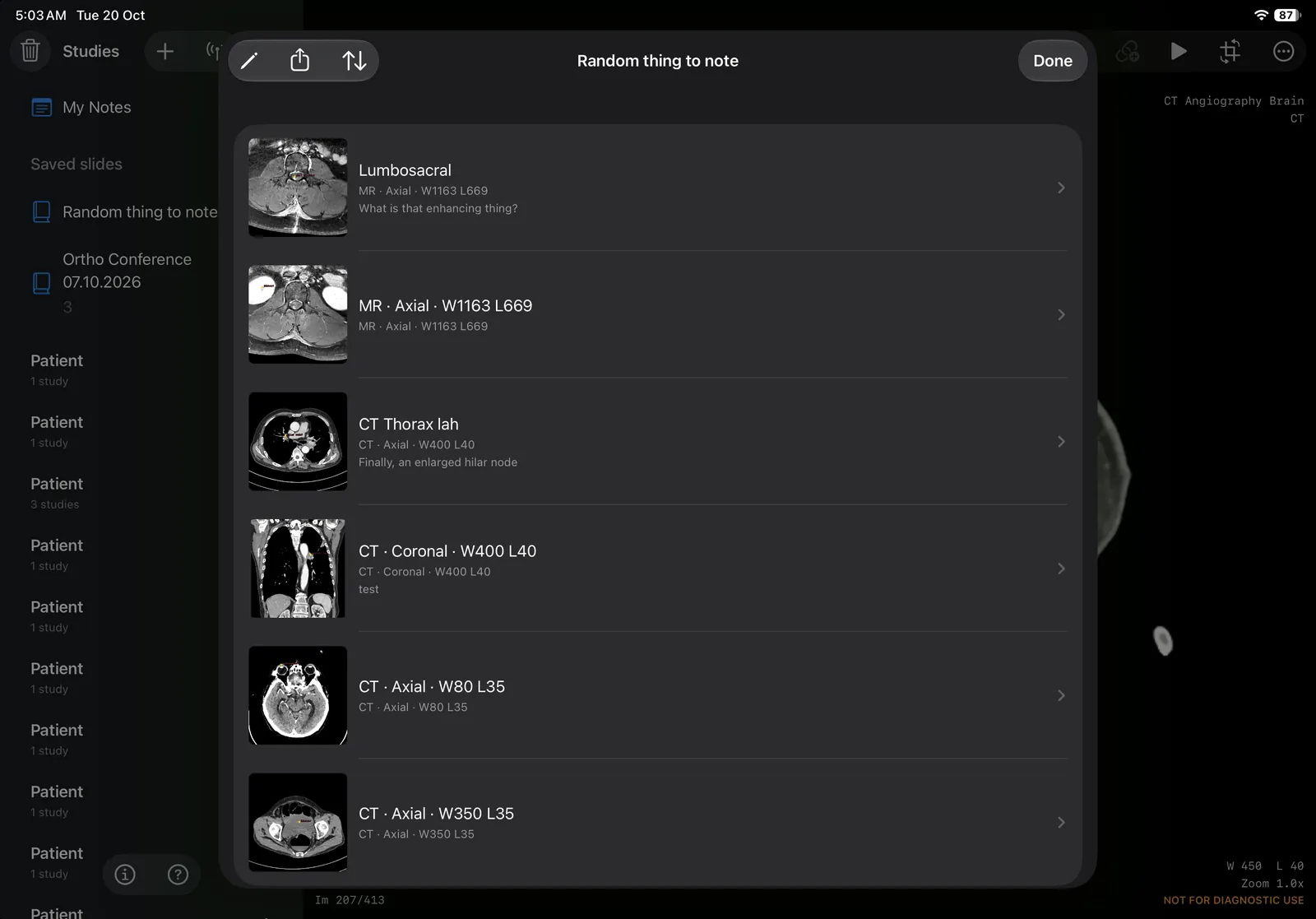
Save the views you want to show, each with its series, slice, window and a line of text. The arrows take the class from one to the next.
Drop a pin on a finding and write a note. Link it to a web page, or to a pin on another case, and tap through a case step by step.
Tap Notes and a lined page slides in beside the image, which you can still scroll and window, or fill the screen with it. Type, or write with the Apple Pencil in five colours. Pin this slice puts a link in the note that goes back to that sequence and slice, and a PDF can be attached from Files. Share it as an A4 PDF.
Save a slice with its marks into a named deck and write a note under it. The copy carries no name, ID or date, though a name burned into the pixels stays. Reorder the slides and export the deck as one PDF, or as an Anki deck with a card for each image.
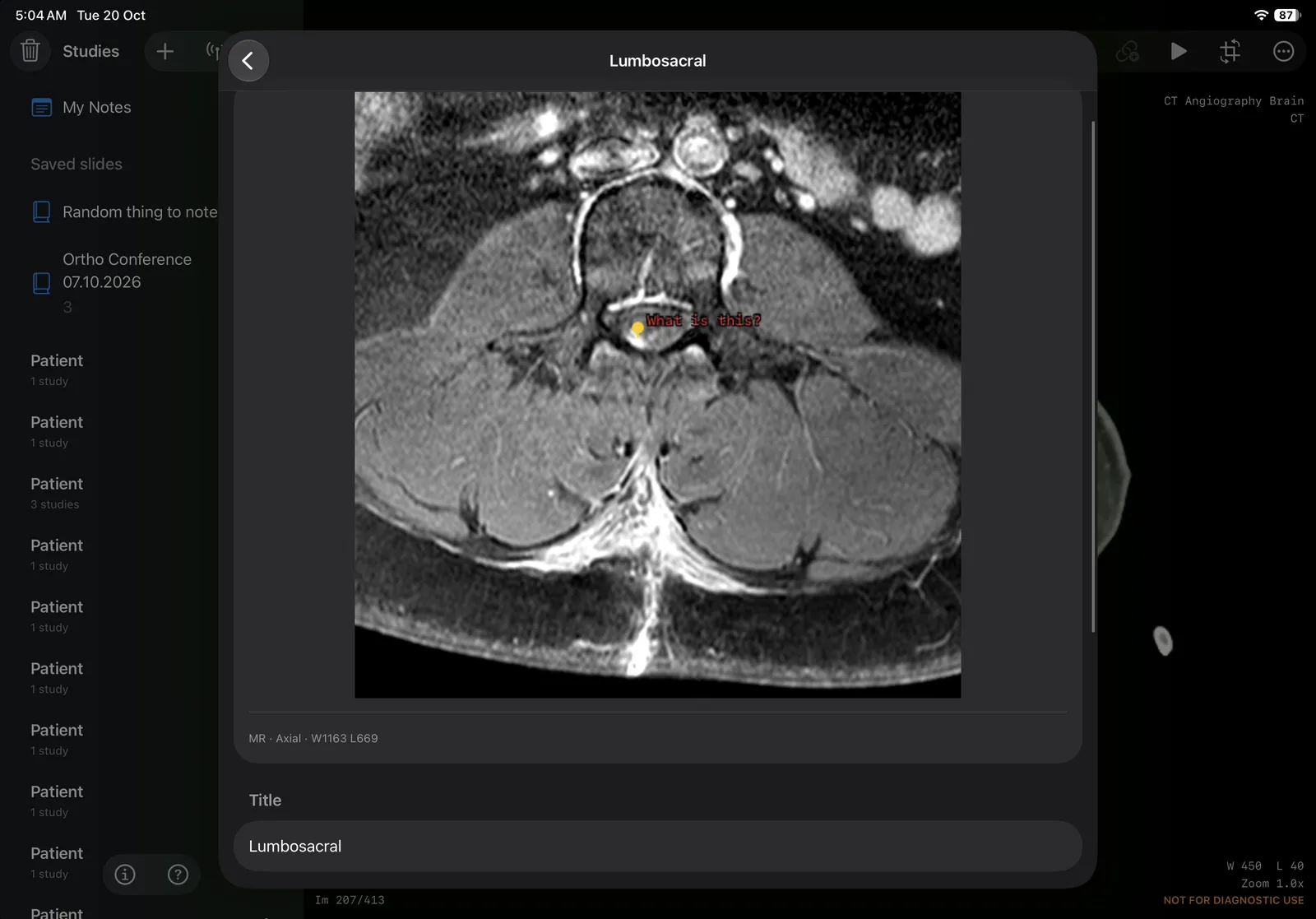
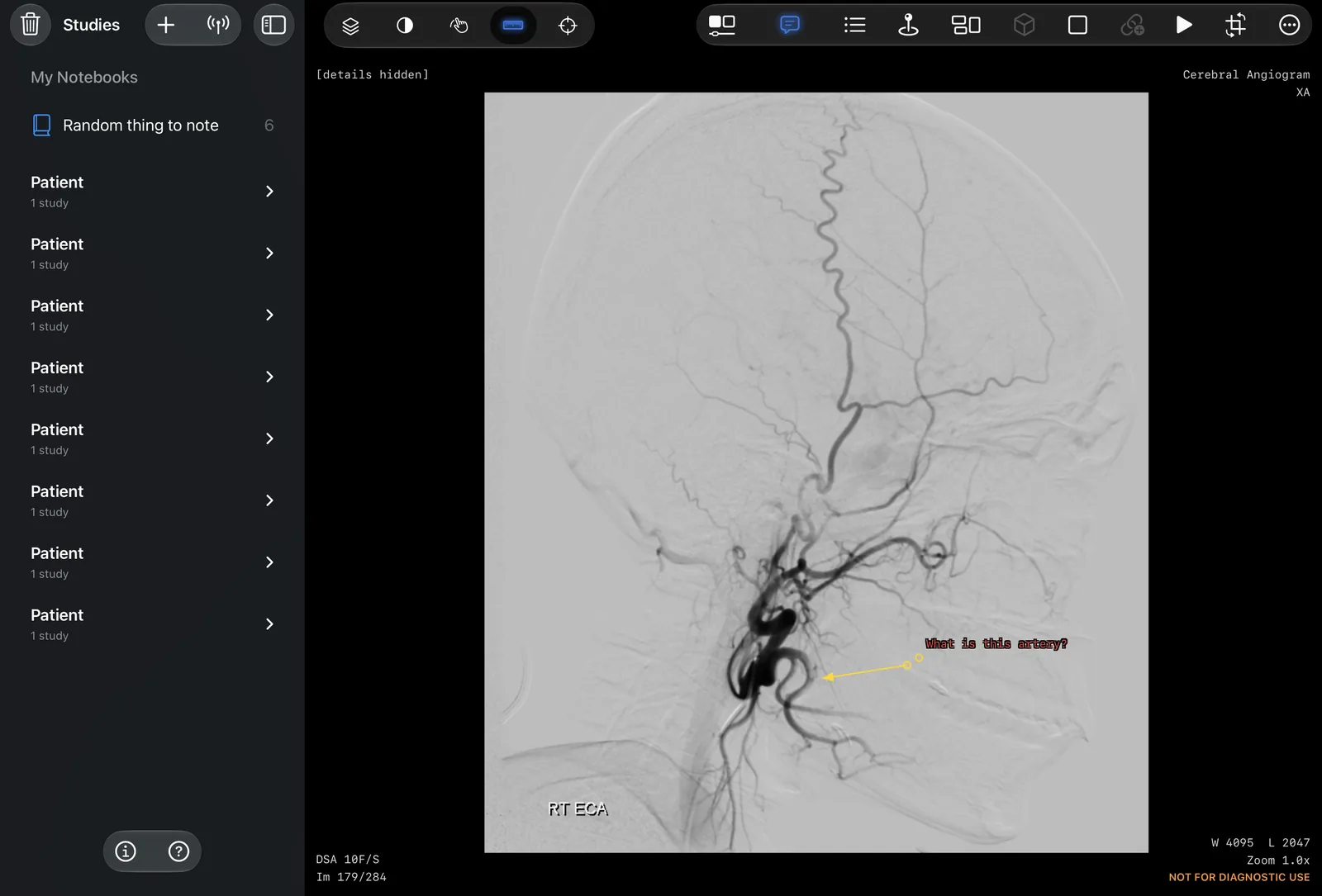
Label a vessel, point an arrow or trace a stenosis on an angiography run. Each mark stays on its own few frames, so the run scrolls clear of it.
Everything it does
All of it is in the app. A Pro label marks what voXel Pro adds; everything else is free.
Roadmap
Planned, not promised. Teaching comes first, in this order. A dashed box is built and comes out with the app on 10 November; a box is ticked, with the date, when the feature reaches the App Store.
Scope
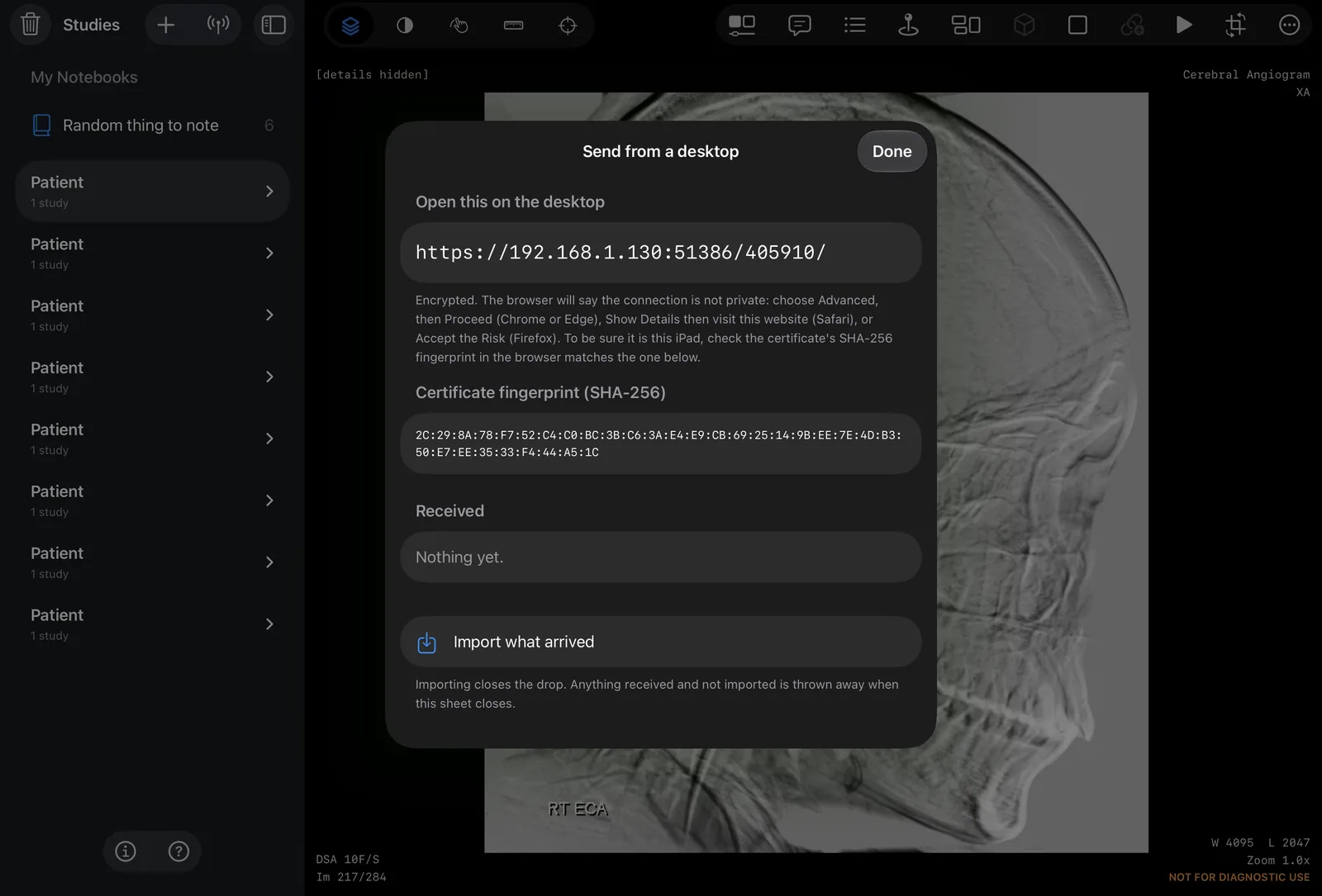
Networking. The app's only networking is a small web server that runs while Send from a desktop is open. It answers only to the code on screen, over an encrypted connection, and it receives files. Nothing is sent out.
Try real studies
The sample study is a phantom. For real scans, download a series from a public research archive. The archive removed each patient's identity before publishing.
Brain MRI. A 3D T1-weighted MRI with contrast, taken before tumour surgery: 151 slices, a 6.7 MB ZIP. The archive cut the face from the images.
Chest, abdomen and pelvis CT. A contrast CT from the base of the neck to the pelvis: 270 slices of 2.5 mm, a 66 MB ZIP. Reformat it coronally or along the spine, and switch between lung, soft tissue and bone windows. It stops below the face, so there is no face to remove.
The files come from The Cancer Imaging Archive, not from this site. Save one to Files, then tap + in voXel and choose the ZIP. Each is shared as the archive publishes it, with its licence file inside, under CC BY 4.0 and the TCIA data usage policy. Neither the authors nor the archive endorse voXel.
MRI data. Juvekar P, Dorent R, Kögl F, Torio E, Barr C, Rigolo L, Galvin C, Jowkar N, Kazi A, Haouchine N, Cheema H, Navab N, Pieper S, Wells WM, Bi WL, Golby A, Frisken S, Kapur T. The Brain Resection Multimodal Imaging Database (ReMIND), version 1 [dataset]. The Cancer Imaging Archive, 2023. doi:10.7937/3RAG-D070. Brigham and Women's Hospital, Boston. Series: patient ReMIND-051, preoperative 3D_AX_T1_postcontrast.
MRI publication. Juvekar P, Dorent R, Kögl F, Torio E, Barr C, Rigolo L, Galvin C, Jowkar N, Kazi A, Haouchine N, Cheema H, Navab N, Pieper S, Wells WM, Bi WL, Golby A, Frisken S, Kapur T. ReMIND: The Brain Resection Multimodal Imaging Database. Scientific Data 11, 2024. doi:10.1038/s41597-024-03295-z.
CT data. Idris T, Somarouthu S, Jacene H, LaCasce A, Ziegler E, Pieper S, Khajavi R, Dorent R, Pujol S, Kikinis R, Harris G. Mediastinal Lymph Node Quantification (LNQ): Segmentation of Heterogeneous CT Data, version 1 [dataset]. The Cancer Imaging Archive, 2024. doi:10.7937/QVAZ-JA09. Tumor Imaging Metrics Core (Massachusetts General Hospital, Dana-Farber Cancer Institute and Brigham and Women's Hospital, Boston). Series: case_0164. The reformat demo above uses it reduced to 2.65 mm across and rounded to 4 HU.
Archive. Clark K, Vendt B, Smith K, Freymann J, Kirby J, Koppel P, Moore S, Phillips S, Maffitt D, Pringle M, Tarbox L, Prior F. The Cancer Imaging Archive (TCIA): maintaining and operating a public information repository. Journal of Digital Imaging 26(6):1045-1057, 2013. doi:10.1007/s10278-013-9622-7.